September 29, 2026
Draft pages before you publish
Work on a page or a whole campaign privately, publish when you're ready, and edit live pages without disturbing what visitors see.
Version 2.19.0
Page Drafting
Business workspaces can now save changes to a single page or a campaign of pages without publishing them.
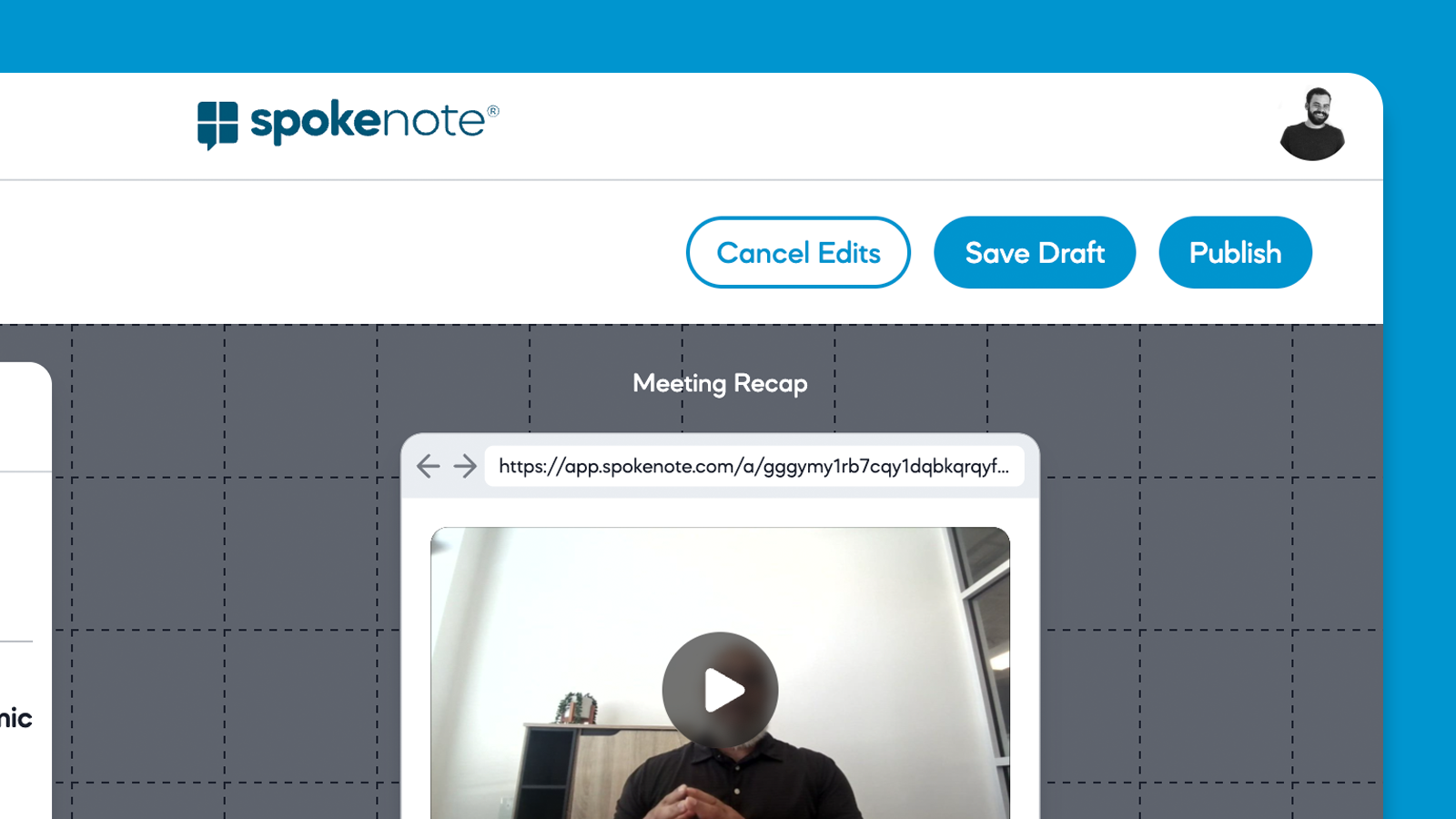
- Save Draft and Publish are separate. Save Draft keeps your work private. Publish makes it live. You choose when.
- Drafts are invisible to visitors. Anyone who views a page sees only the published version, even while a draft exists.
- One draft per page. Each page has at most one draft. Saving again updates the same draft.
- Cancel Edits throws away the draft and keeps the published version as it was.
- New pages can be saved as a draft before they are ever published. Opening the editor does not create anything. Nothing is saved until you click Save Draft.
Business workspaces only. Drafting is turned on for Business workspaces. Other workspaces keep the current publish-on-save behavior.
Dynamic content survives a save
Before, saving a page with dynamic content kept only one version of it. When you reopened the page, your variations were gone. Now the page saves everything you set up, including every variation, and the editor shows all of it when you come back. Visitors still see only the version meant for them.
Page Editing
Edit after publishing
You can now edit a page that is already published. Opening it in the editor starts a draft, and the live page stays as it is until you click Publish. The old warning that a page cannot be changed after saving is gone.
Republishing a delivered page
When you publish changes to a page someone has already received, that page is marked as unread again for them. When publishing a campaign, pages nobody has received always update. Pages already delivered update only if you opt in. Pages under review or deleted are never changed.
Page Editor
Full-screen editing layout. Editing a page or campaign now uses the whole screen. The editing panel floats beside a live preview that shows the real access page header and footer.
- Switch between mobile and desktop views that scale with your window.
- On a phone, swipe left and right to move between the preview and the editing panel.
- When a campaign has dynamic content, step through pages with previous and next buttons in the preview.
Navigation
Skinny main navigation. The main navigation is now a narrow bar, which gives the rest of the screen more room. You can still expand it and keep it open.
Campaigns
Large campaigns generated by number. Campaigns with more than about 10,000 pages used to fail partway through, with credits charged but no pages or CSV returned. These campaigns now build in batches, and credits are charged only for pages that were actually created. If something does go wrong, you get a clear error message.
Campaigns from integrations such as HubSpot or Salesforce are now managed collectively, and the person who imported them is the owner.
Integrations
Disconnect revokes access. Disconnecting an integration now also cancels Spokenote's access on the provider's side, not just in Spokenote.
Salesforce reconnect. If you disconnect Salesforce, your saved credentials are kept. You can reconnect with one click or update the credentials first. Before, you had to enter everything again.
Media Library
Failed media. Add from Media Library no longer lets you select media that failed to process.
Bug Fixes
- Page Owner filter. The Page Owner filter showed the wrong result after a page refresh. It now stays accurate.
- Contact card links. The Call, Text, Email, and Directions links on a contact card broke when a value contained characters like # or &. For example, an address with a unit number was cut off. These links now work with any value.
- Dashboard sign-in redirect. Visitors who reach a dashboard page without being signed in now go straight to the login page. Before, each of these visits logged an error, and bot traffic buried real errors in noise.
Did this page help you?
Thanks for your feedback.